
4.6 KiB
Solarized 8: True Colors
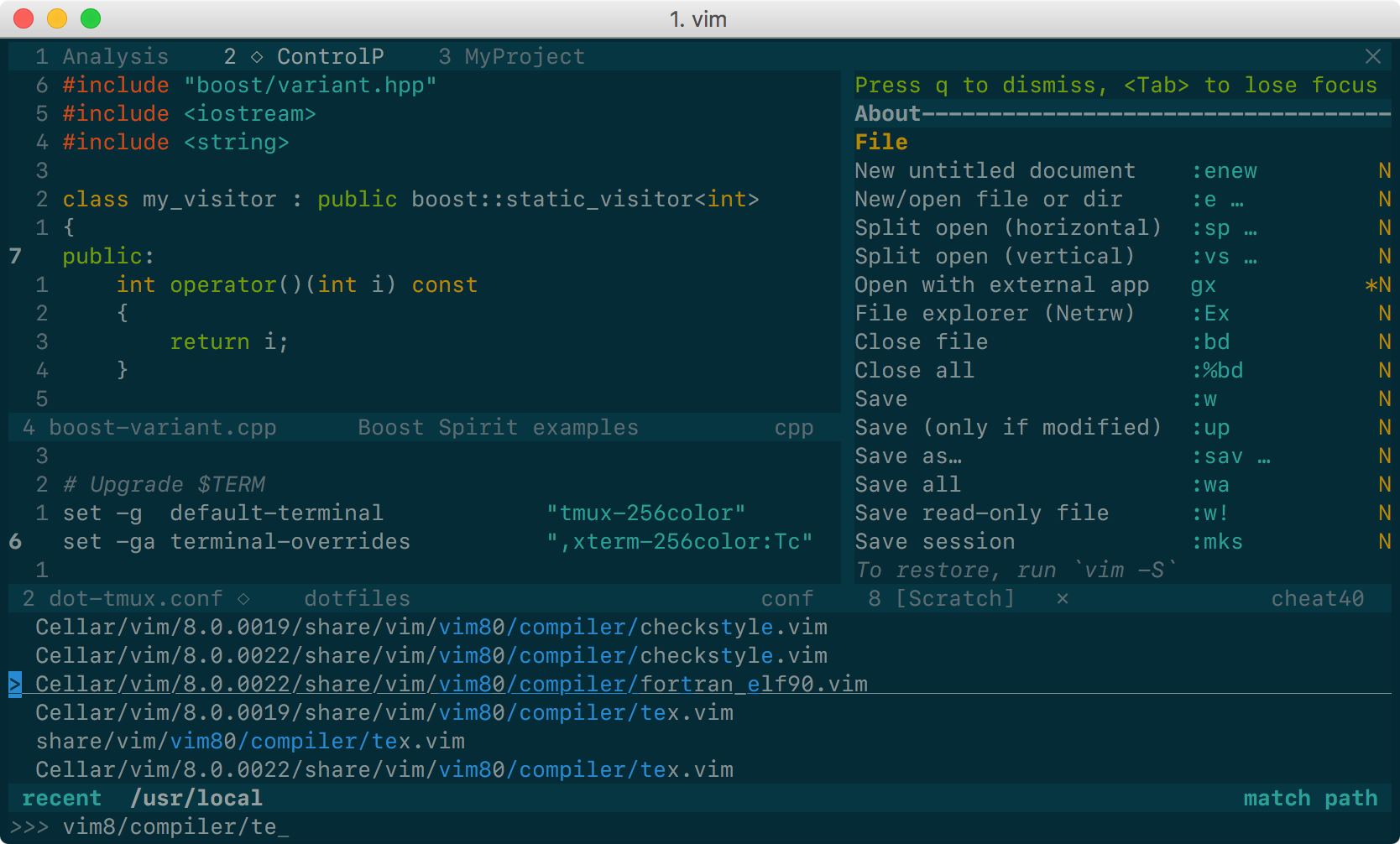
| Solarized 8 Flat Dark | Solarized 8 Flat Light |
|---|---|
 |
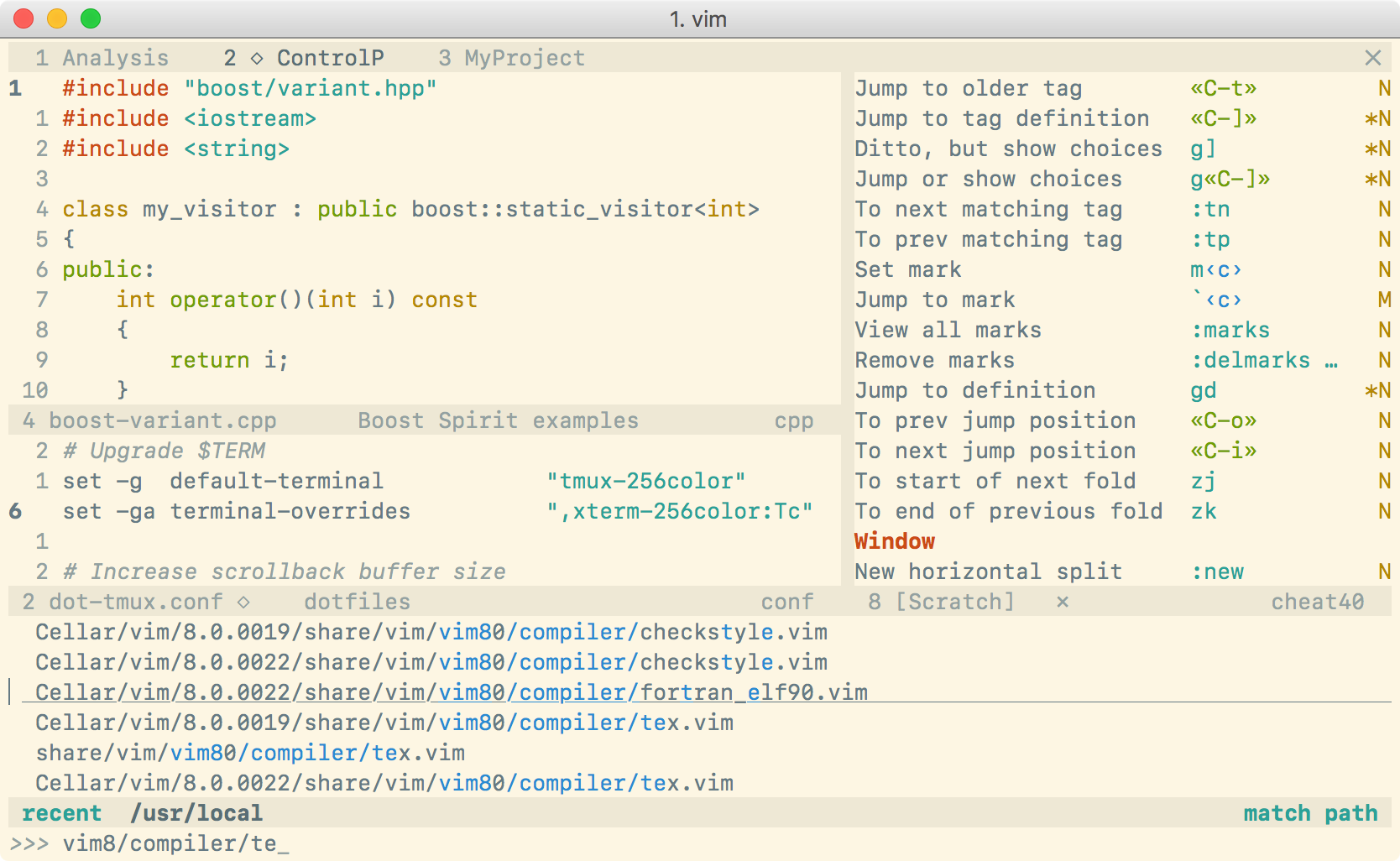 |
This is yet another Solarized theme for Vim. It places itself half way between the original Solarized and the Flattened variant. It removes only some of the bullshit. The color palette is exactly the same as in Solarized, of course, although some highlight groups are defined slightly differently (for instance, I have tried to avoid red on blue).
The main reason for the existence of this project is that the original Solarized
theme does not define guifg and guibg in terminal Vim, making it unsuitable
for versions of Vim supporting true-color terminals. Instead, this color scheme
works out of the box everywhere. For the best experience, you need:
- Vim ≥7.4.1799 with
termguicolorsset, or - NeoVim,
and a true-color enabled terminal. Solarized 8 also works in MacVim, gVim, etc…: no configuration is needed.
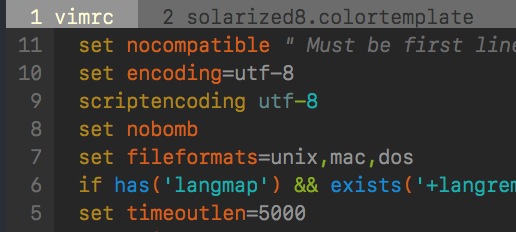
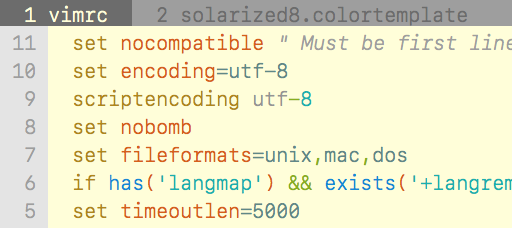
Note: for terminals not supporting true colors, Solarized 8 will fall back to use an approximate palette based on xterm's 256 colors. This is a very crude approximation, which looks more or less like this:
| Dark 256 color palette | Light 256 color palette |
|---|---|
 |
 |
To get exact colors with such terminals, you must set your terminal's 16 ANSI
colors to the Solarized palette (refer to the manual of your terminal) and put
this line in your vimrc before loading the colorscheme:
let g:solarized_use16 = 1
Be aware that, if you set the variable above, but your terminal does not use the Solarized palette, your colors will be completely off.
Installation
If your Vim supports packages (echo has('packages') prints 1), I strongly
recommend that you use them. Just clone this repo inside pack/*/opt, e.g.:
git clone https://github.com/lifepillar/vim-solarized8.git \
 ~/.vim/pack/themes/opt/solarized8
Otherwise, use your favourite installation method.
There are actually 4 optimized color schemes:
solarized8: the default Solarized theme;solarized8_low: low-contrast variant;solarized8_high: high-contrast variant;solarized8_flat: “flat” variant (not present in the original Solarized, see screenshots above).
To use any of them, set the background (dark or light) then load the
colorscheme, e.g.:
set background=dark
colorscheme solarized8
To switch the background from dark to light or vice versa, just set background
accordingly.
If you use Vim packages, there is no need to packadd solarized8. Keep your
runtimepath clean!
Options
The following options are inherited from Solarized:
g:solarized_visibility: one of"normal"(default),"low","high";g:solarized_diffmode: one of"normal"(default),"low","high","bold";g:solarized_termtrans: make terminal background transparent if set to1(default:0).
The following options were not available in the original Solarized:
g:solarized_statusline: one of"normal"(default) or"low";g:solarized_term_italics: set to1if your terminal supports italics (default is0).g:solarized_old_cursor_style: set to1if you want to use the original Solarized's cursor style (default:0). By default, the cursor is orange/red in light themes, and blue in dark themes (but please note that your terminal may override the cursor's color).g:solarized_use16: see above.
All these options may be used with any Solarized 8 variant.
Troubleshooting
Hey, I do not get the right colors when running Vim inside tmux or in my favourite true-color enabled terminal!
Try putting this in your .vimrc:
let &t_8f = "\<Esc>[38;2;%lu;%lu;%lum"
let &t_8b = "\<Esc>[48;2;%lu;%lu;%lum"
See :h xterm-true-color for the details.
Hacking
Do you want to hack the theme? Install
Colortemplate, edit the
*.colortemplate files, then rebuild the colorschemes using the script in the
templates folder.
If you extend or improve Solarized8, please consider submitting a pull request!