
Solarized 8 for Neovim
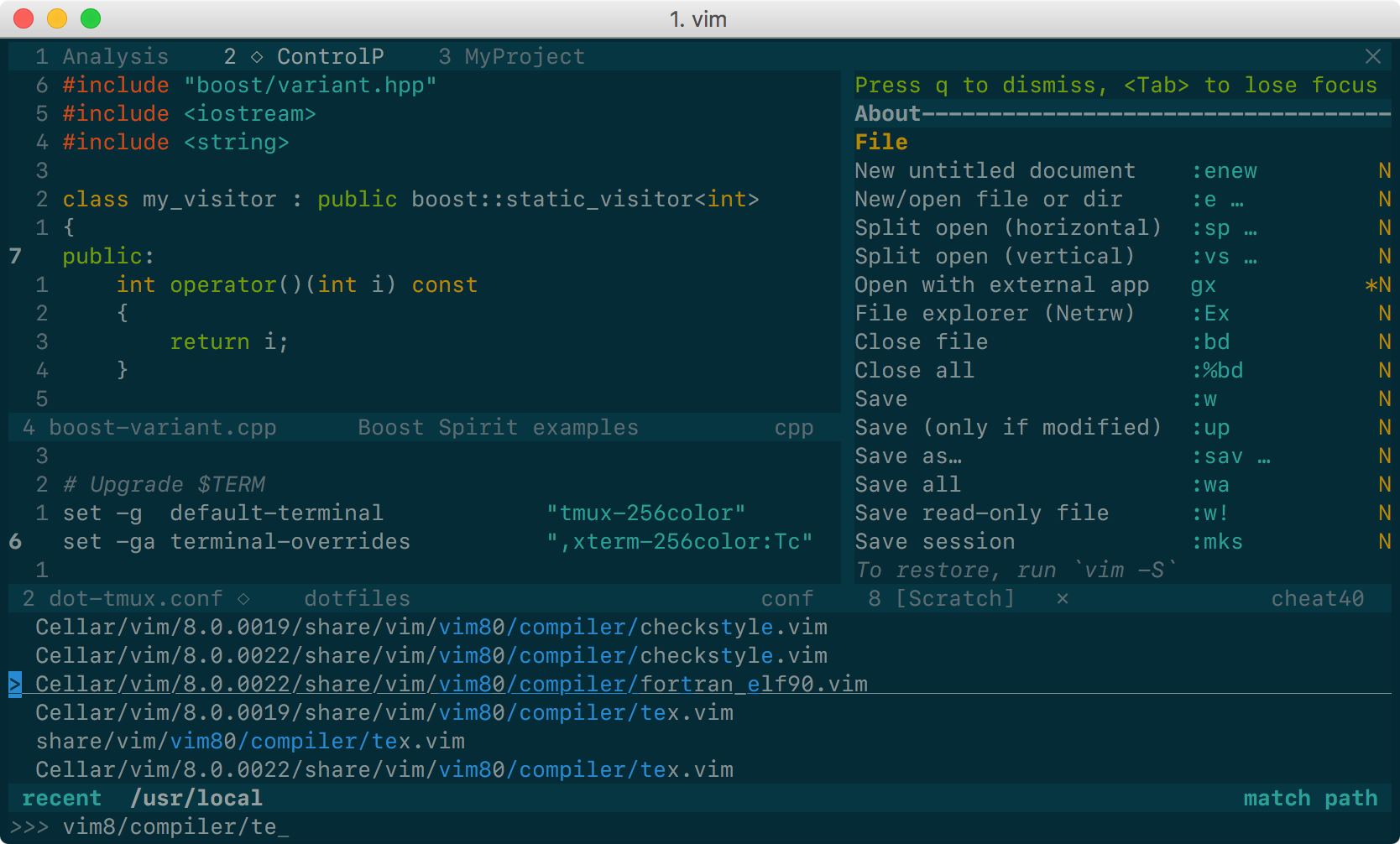
| Solarized 8 Flat Dark | Solarized 8 Flat Light |
|---|---|
 |
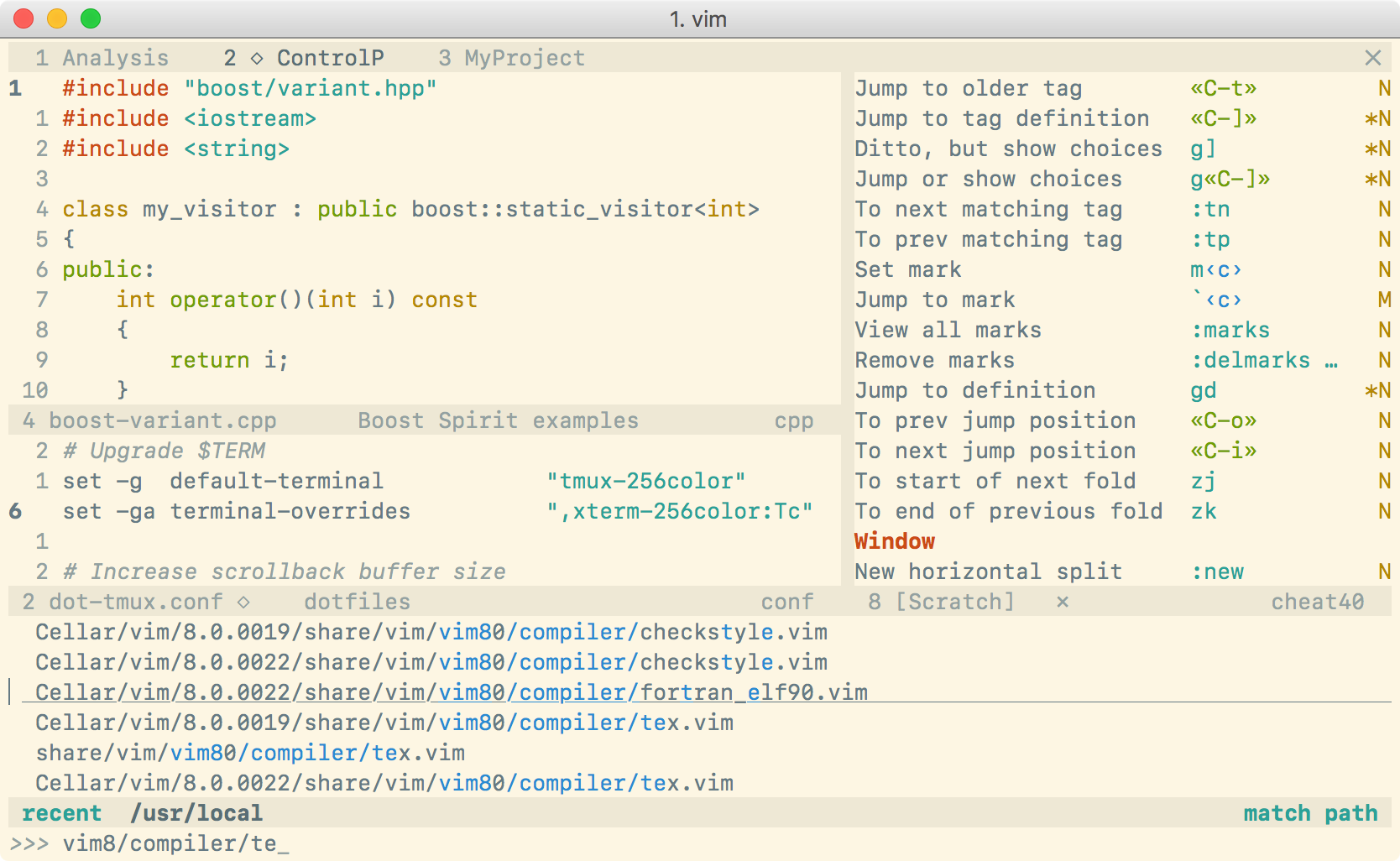 |
This is yet another Solarized theme for Neovim. It places itself half way between the original Solarized and the Flattened variant. It removes only some of the bullshit. The color palette is exactly the same as in Solarized, although some highlight groups are defined slightly differently (for instance, I have tried to avoid red on blue).
The main reason for the existence of this project is that the original
Solarized theme does not define guifg and guibg in terminal Vim, making it
unsuitable for Neovim and capable terminals. Instead, this color scheme works
out of the box everywhere. For the best experience, you need:
- NeoVim with
termguicolorsset, and - a terminal supporting millions of colors (but see below for workarounds).
But, my terminal does not have millions of colors!
For terminals not supporting true colors, set g:solarized_t_Co to the number
of colors available in your terminal. If that variable is set to 256 then
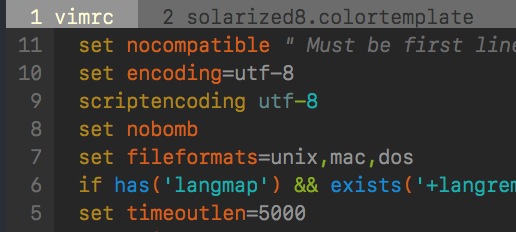
Solarized 8 will fall back to use an approximate palette based on xterm's 256
colors, which looks more or less like this:
| Dark 256 color palette | Light 256 color palette |
|---|---|
 |
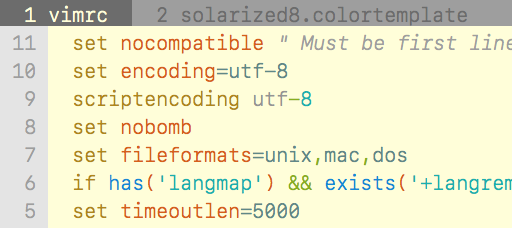 |
(Yeah, it looks like a different color scheme: Solarized palette is far away from xterm colors!)
If you do not like this approximation or if you want to force the use of the 16 terrminal's ANSI colors, do one of the following:
-
modify some of your terminal colors in the range 16–255 to match Solarized palette. For this purpose, you may run (not source!)
scripts/solarized8.sh; no setting is needed in Vim. For instance, if you are using Bash, put this in.bashrc:sh /path/to/scripts/solarized.shNote: this method is supported only by some, but not all, terminals. For instance, in Apple's Terminal.app, running
solarized.shhas no effect. -
Set your terminal's 16 ANSI colors (the colors in the range 0–15) to the Solarized palette (how to do that depends on the terminal) and add
let g:solarized_t_Co=16to yourvimrcto instruct Neovim to use your terminal's colors. Be aware that, if you force the use of your terminal colors in Neovim, but your terminal is not configured to use the Solarized palette, your colors will be completely off!
Note: whatever method you choose, keep in mind that if your terminal does
not support millions of colors, you must not set termguicolors (i.e., make
sure that set termguicolors? outputs notermguicolors).
What if I happen to work on vt100 or similar?
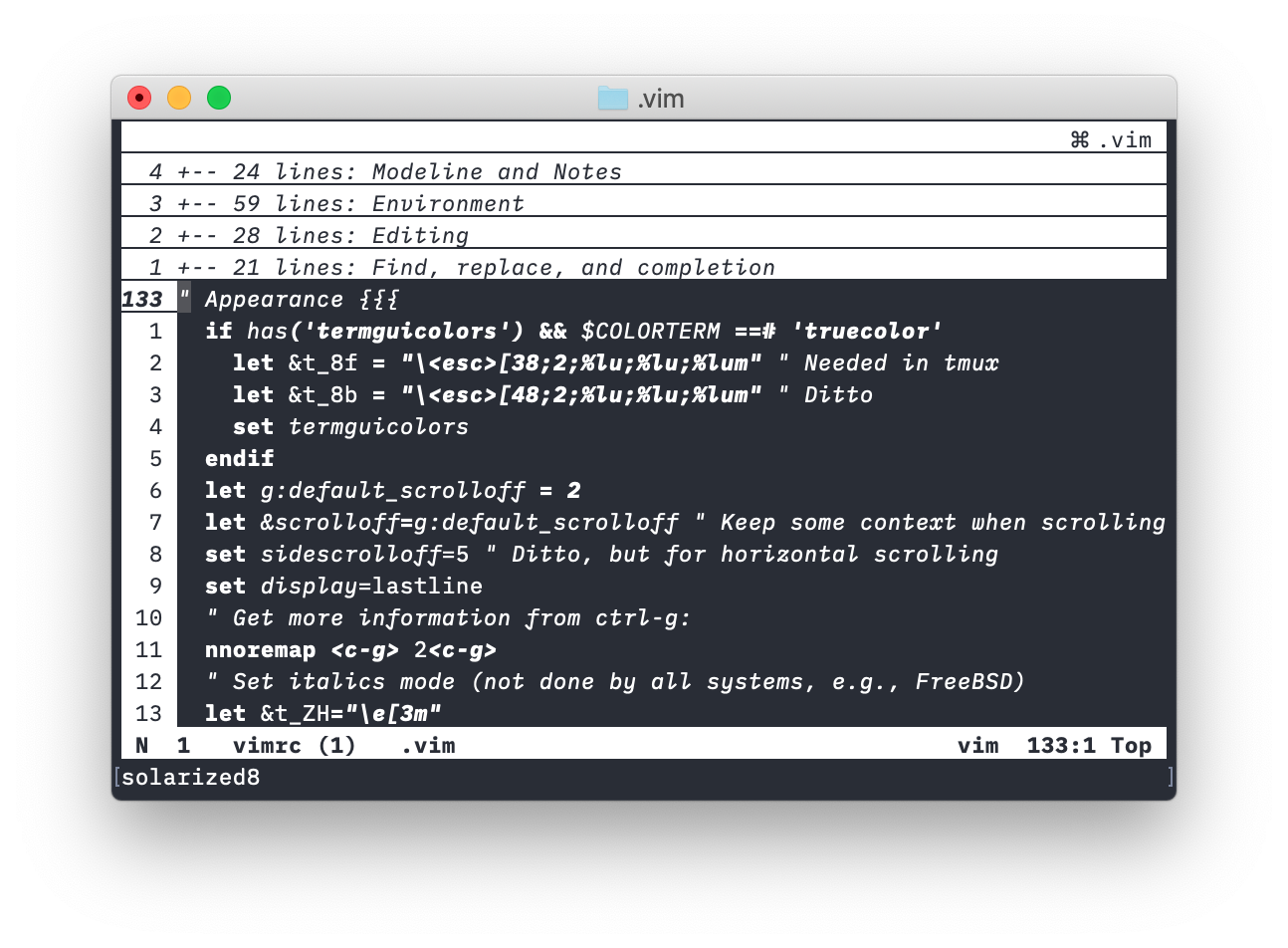
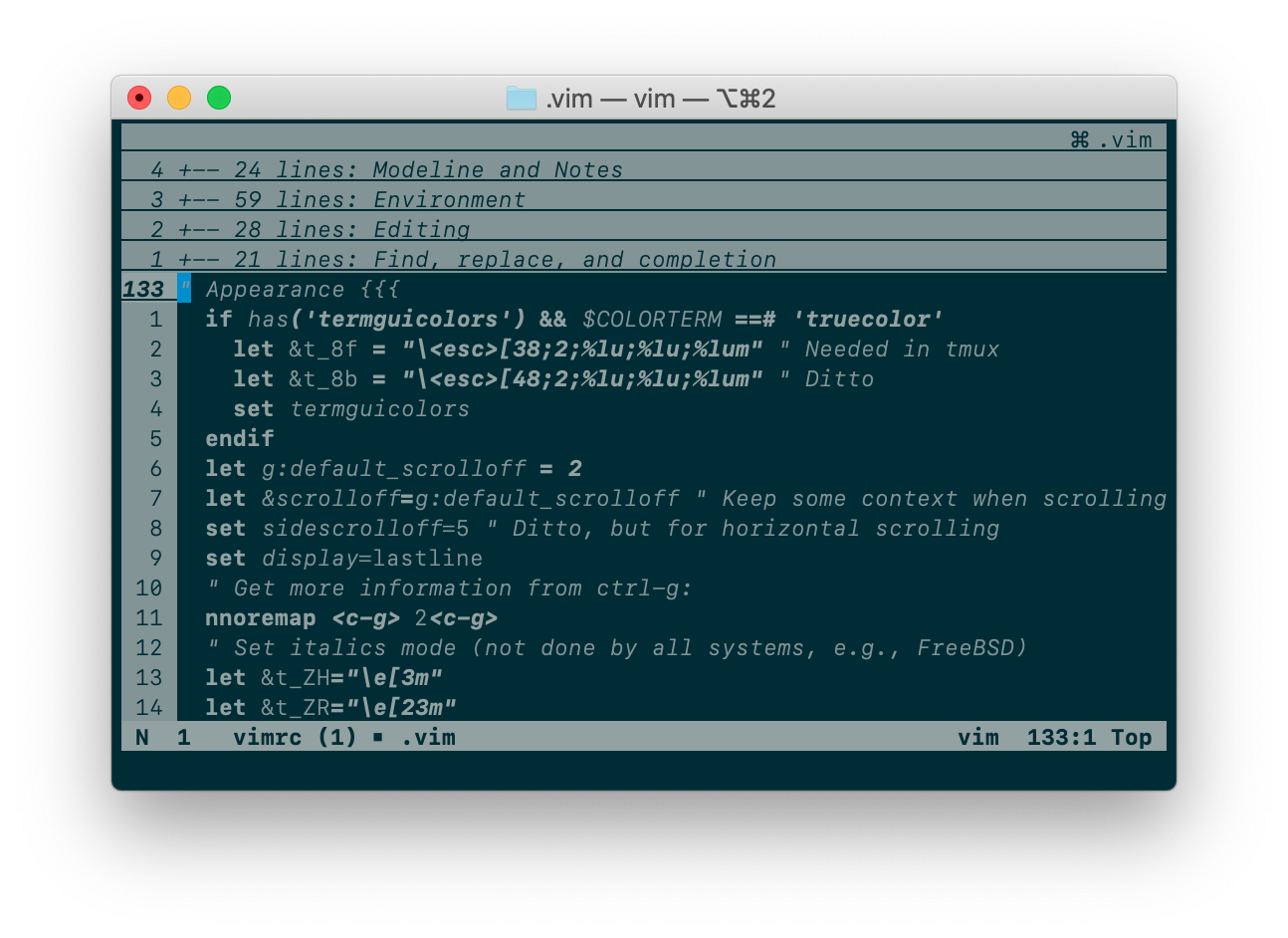
In the past, Solarized 8 used to complain when your terminal did not support
enough colors. But the current version will gracefully degrade to a (beautiful!)
black&white color scheme. Just let g:solarized_t_Co=0:
| Solarized 8 B&W variant | Solarized 8 B&W variant |
|---|---|
 |
 |
Installation
I strongly recommend that you use Vim packages. Just clone this repo inside
pack/*/opt and checkout the neovim branch:
git clone https://github.com/lifepillar/vim-solarized8.git \
    ~/.vim/pack/themes/start/solarized8
cd ~/.vim/pack/themes/start/solarized8
git checkout neovim
Otherwise, use you favourite installation method.
There are actually four optimized* color schemes you may load:
solarized8_high: high-contrast variant (screenshow below, first column);solarized8: the default Solarized theme (screenshot below, second column);solarized8_low: low-contrast variant (screenshow below, third column);solarized8_flat: “flat” variant (screenshow below, fourth column).

The “flat” variant does not exist in the original Solarized. It differs from
solarized8 mainly in how the status line, split bars and tab bar look like:

To use a Solarized 8 color scheme, set the background (dark or light) then
load the variant you want, e.g.:
set background=dark
colorscheme solarized8
If you opt to use some Vim plugin manager instead, the following should be
added to your vimrc, rather than the above, for the color scheme to be loaded
correctly:
set background=dark
autocmd vimenter * ++nested colorscheme solarized8
To switch the background from dark to light or vice versa, just set background
accordingly.
If you use Vim packages, there is no need to packadd solarized8. Keep your
runtimepath clean!
* Below is the result of a benchmark I have made using Vim 8.1.1450
and iTerm 2 v3.2.6 on a MacBook Pro Early 2015 with macOS 10.14.5. To make the
comparison meaningful, g:solarized_extra_hi_groups was set to 1: Solarized
8 should load a bit faster if you do not enable additional syntax items. Note
that Solarized 8 is optimized for what are believed to be the most common use
cases, i.e., GUI, true-color terminals and 256-color terminals.

Options
The following options are inherited from Solarized:
g:solarized_visibility: one of"normal"(default),"low","high";g:solarized_diffmode: one of"normal"(default),"low","high";g:solarized_termtrans: make terminal background transparent if set to1(default:0).
The following options were not available in the original Solarized:
g:solarized_statusline: one of"normal"(default),"low"or"flat";g:solarized_italics: set to0to suppress italics (default is1).g:solarized_old_cursor_style: set to1if you want to use the original Solarized's cursor style (default:0). By default, the cursor is orange/red in light themes, and blue in dark themes (but please note that your terminal may override the cursor's color).g:solarized_t_Co: set to the number of colors your terminal supports.g:solarized_extra_hi_groups: set to1to enable Solarized filetype-specific syntax highlighting groups (default is0). Please be aware that if your Vim is not recent enough you may encounter an issue with syntax items defined in color schemes.
All these options may be used with any Solarized 8 variant.
Hacking
Do you want to hack the theme? Install
Colortemplate v2, edit the
templates/*.colortemplate files, then rebuild the color schemes.
If you extend or improve Solarized 8, please consider submitting a pull request!